
VS Code 🛠️#
Outline #
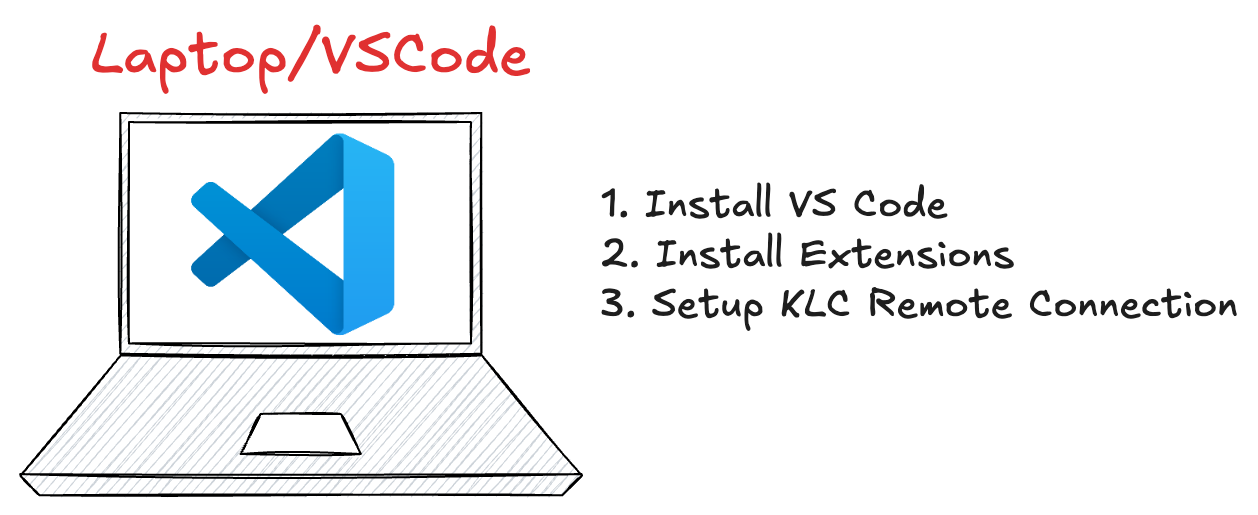
In this session, you’ll explore various features of Visual Studio Code (VS Code) through guided, practical tasks.
Topics we’ll cover:
Installing essential extensions
Setting up a remote connection to KLC
Explore VS Code
Essential Extensions #
Remote - SSH
ms-vscode-remote.remote-ssh
Allows you to securely connect to a remote cluster (like KLC) and work with files and terminals as if they were local.Remote Explorer
ms-vscode.remote-explorer
Gives a graphical view of your SSH targets and remote sessions, making connection management easier.Python
ms-python.python
Adds powerful features for Python development, including code intelligence, linting, and debugging tools.GitHub Copilot
github.copilot
AI pair programmer that suggests code completions and functions based on your context.GitHub Copilot Chat
github.copilot-chat
Lets you interact with Copilot via natural language — ask questions, get code explanations, or generate snippets.Jupyter
ms-toolsai.jupyter
Enables opening and running Jupyter Notebooks inside VS Code — useful for data exploration and machine learning workflows.
Set up KLC connection #
Remote - SSH
Select “Show and Run Commands”, type “Remote” and select “Remote-SSH: Connect to Host”
Select “Add New SSH Host” then type
ssh your_netid@klc0202.quest.northwestern.edu
BONUS:
Set up SSH Passwordless Login following instructions here