
Jupyter Notebooks 📓#
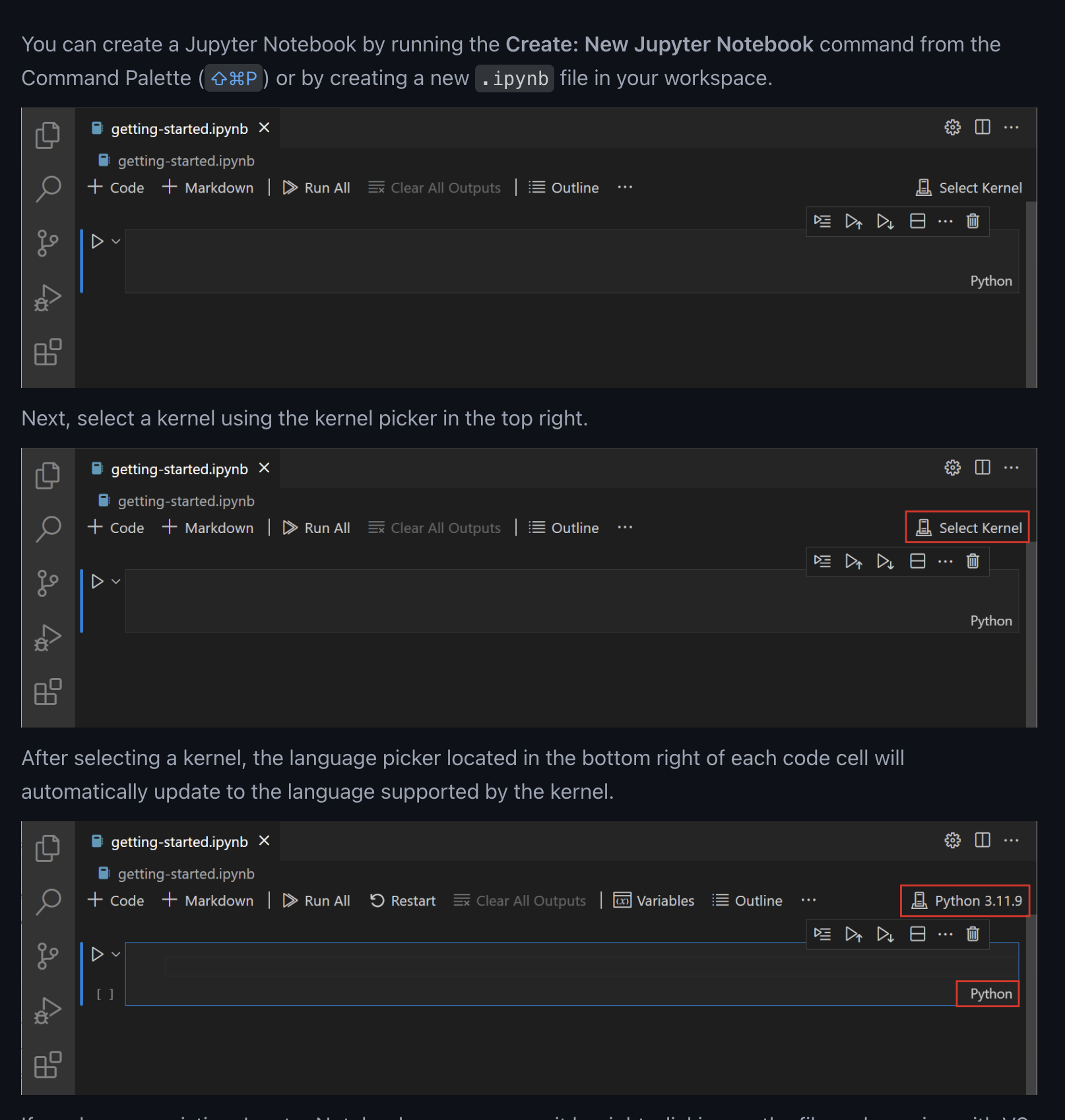
Runing a notebook:#
Create or open a Jupyter Notebook file (with a
.ipynbextension) in VS Code.Use the command palette (Ctrl+Shift+P) and type “Python: Select Interpreter” to choose the Python environment you want to use (note: the Python environment must have the
ipykernelpackage installed).Set the kernel to the desired Python environment by clicking on the kernel picker in the top right corner of the notebook editor.
Exercise
Let’s create our own notebook and run it.
Create a new Jupyter Notebook file in VS Code and set the kernel.
Add Markdown cells with a title and description.
Add a code cell to read in a CSV file and display the first few rows.
Run the code cells and observe the output.
Save the notebook and export it to a Python script.
Example Code
import pandas as pd
df = pd.read_csv("data.csv")
print(df)