
Copilot ✈️#
Getting Started#
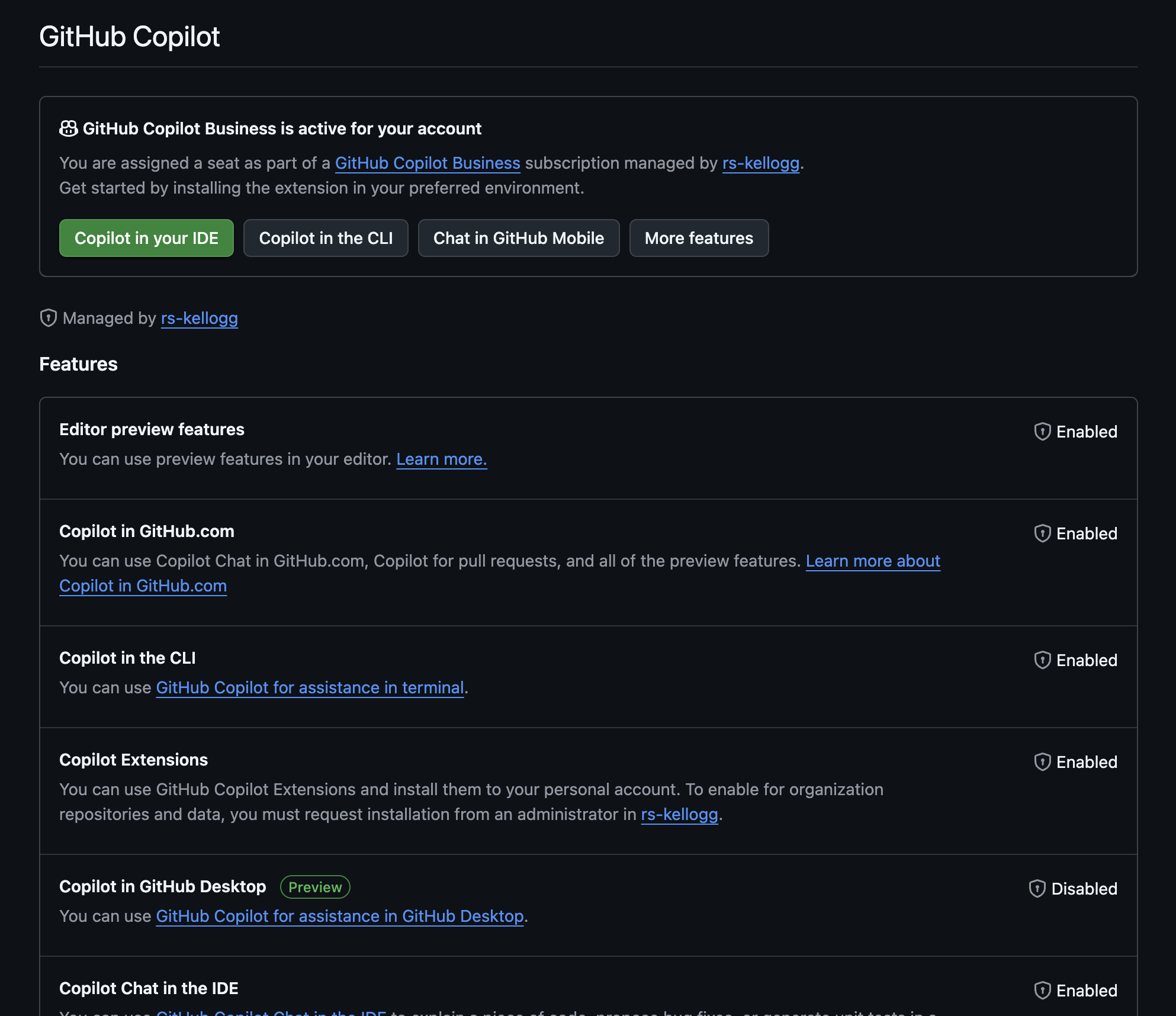
Install the Github Copilot extension in VS Code
Sign in to your Github account on VS Code.
Configure the extension settings to your preference, most importantly choose the model to use.
To get the Github Copilot Pro Plan through Kellogg, send an email request to rs@kellogg.northwestern.edu to get added to the Kellogg Github organization. Availalble to stafff, students, and faculty.
Copilot Uses#
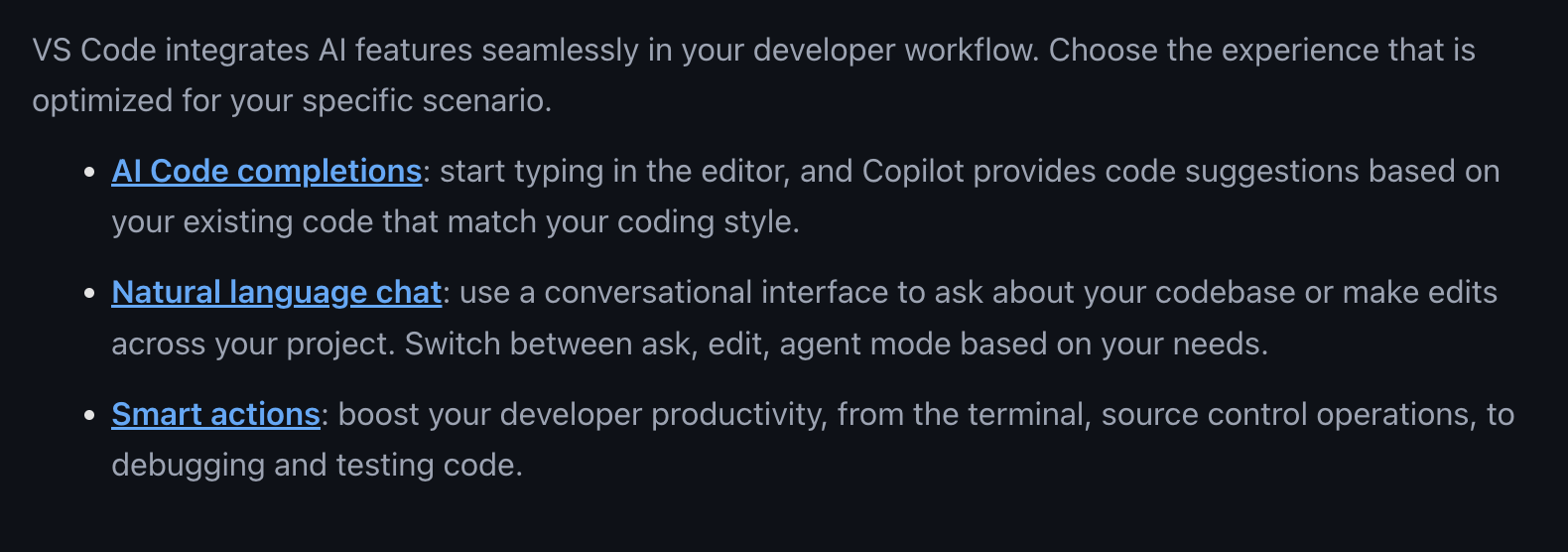
Code completion: Copilot can suggest code completions as you type
use the
Tabkey to accept a suggestionuse the
Esckey to dismiss a suggestionuse
Cmd-Rightto incrementally accept a suggestion
Code chat inline: Copilot can suggest entire lines or blocks of code inline
use the
Cmd-Ishortcut to insert a suggestionuse
/to insert pre-defined prompts (e.g./fix,/explain,/test,/doc)works in code files, noteooks, and terminal
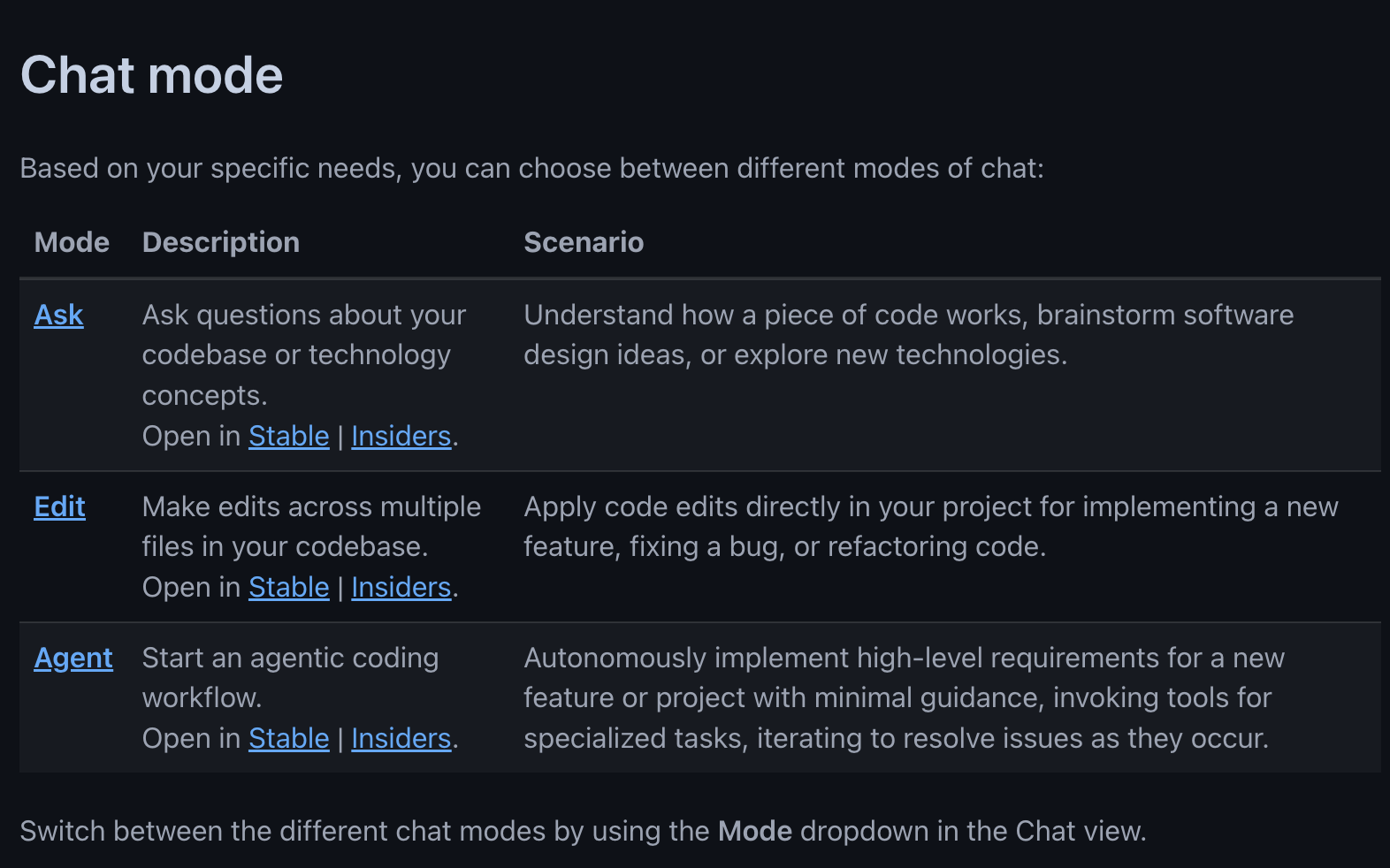
Copilot chat: Copilot can provide explanations, suggestions, and code snippets in a chat-like interface
use for larger scale code generation and coding tasks
can use other parts of the codebase as context (e.g., higlight a chunk of code and use
/explain)chat has
ask,edit, andagentmodesavailable
/commands depends on mode being used
Exercise
Let’s try out Copilot (we will do this on our local machine).
Open VS Code and go to the Book Scraper project.
Use
Cmd-Ito start an inline chat in the python file.Open the Copilot chat window and ask it to explain the code.
Use the
/explaincommand to get a detailed explanation of the code.Use the
/testcommand to generate test cases for the code.Use the
/doccommand to generate documentation for the code.Open a terminal and use
Cmd-Ito start a chat in the terminal.