Contents#
Scripted WRDS Access#
This session will show you how to programatically obtain data from WRDS using Python or R.
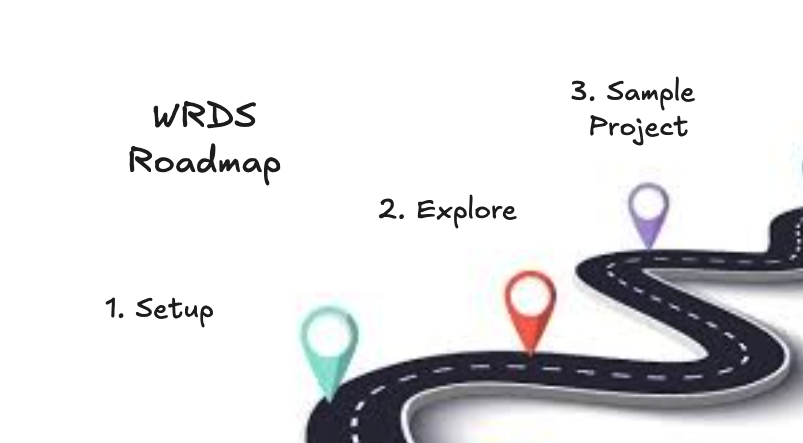
In this session, we’ll cover:
(1) Setting up your access credentials
(2) Exploring Databases and Tables
(3) Running a Sample Project
Access Options#
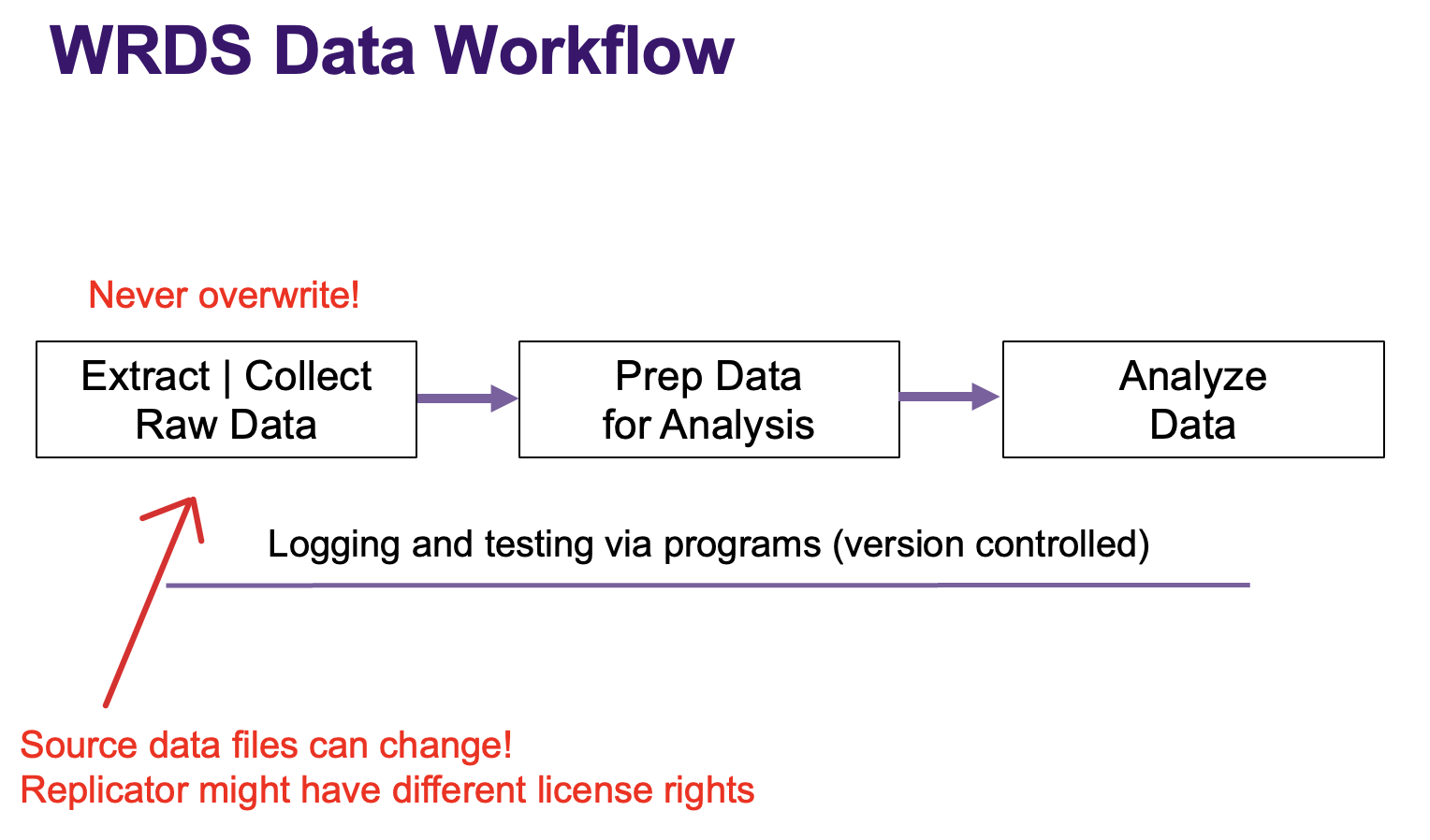
WRDS Workflow#
WRDS Workflow
Since different instutions have different licensing rights to WRDS datasets, and the actual datasets are updated constantly, we highly recommend saving a version of the dataset you use for your records.